Roles and permissions
Decide exactly who can see and do what
Start each member from a preset role, then adjust more than 80 individual permissions and limit them to the locations they look after. Every change to someone's access is recorded.
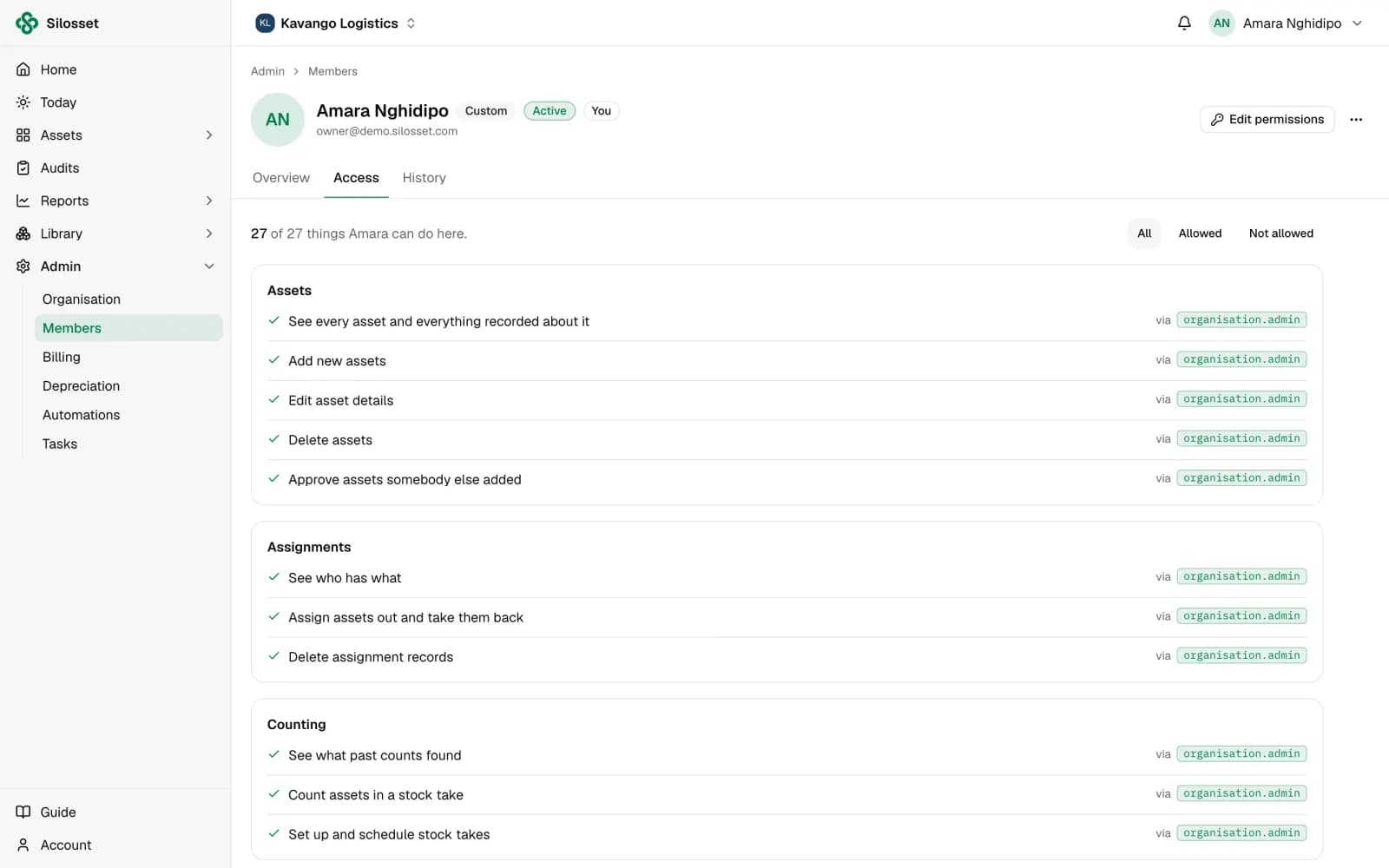
Preset roles to start from
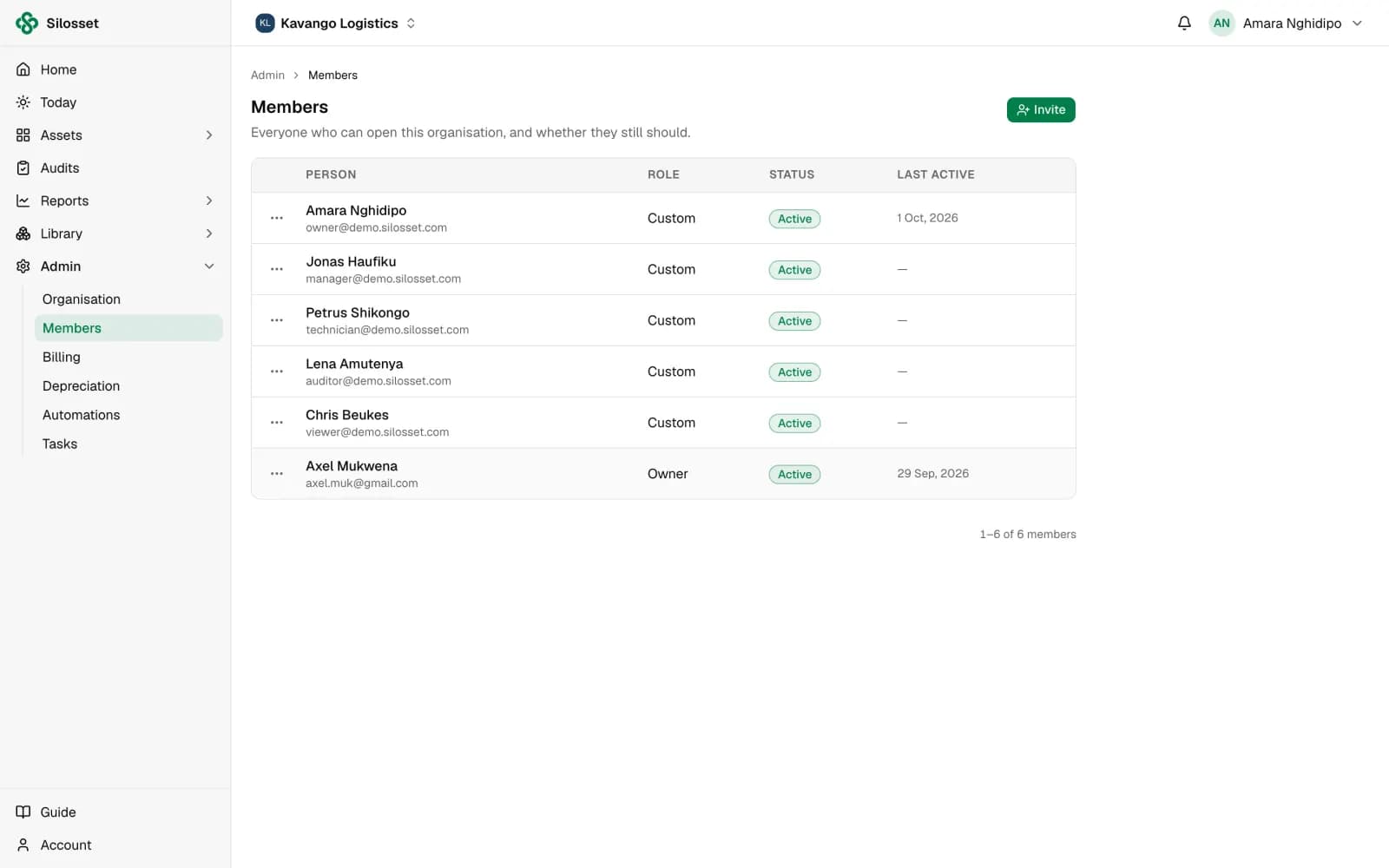
Invite your team and give each person a role: Owner, Manager, Technician, Auditor, Finance or Viewer. See every member's role, status and when they were last active.
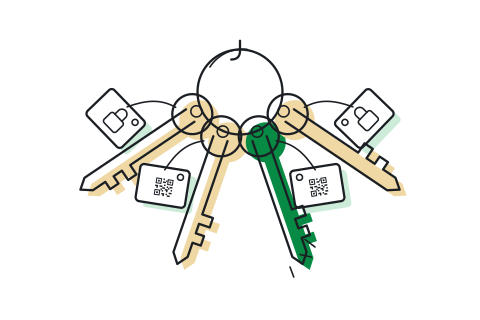
Limit people to their locations
Scope a member to the sites and locations they are responsible for. The reports they open only include those locations.
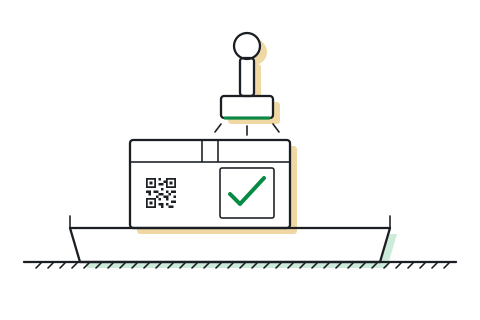
Approve what others add
Turn on intake approval and assets added by other members wait for someone with permission to approve them. The approval is shown on the asset record.
Questions
Something else? Ask us.
Are permissions per page or per action?
Per action. Approving assets, running an audit or managing members are separate permissions, so a role can allow one without the other.
Can we see who changed someone's access?
Yes. Each member's Access screen has a history of every change to their access, with who made it and when.
How do members sign in?
With an email address and password, or with their Google account.
Related features
Or see everything Silosset does.
Organisation setup
Locations, categories, tags, kits, suppliers and custom fields, set up once and shared.
Read more about organisation setup
Audits and asset verification
Verify each location on a schedule by scanning labels, and see what is still to be found.
Read more about audits and asset verification
Import, API and on-premises
Bring your existing register in from Excel, connect your own systems, or run Silosset on your own servers.
Read more about import, api and on-premises
See your own assets in Silosset
Create an organisation and register your first assets today, or talk to us and we will walk you through it with your own register.