Reports and exports
Reports for every team, and Excel exports for your auditors
Financial, operational, lifecycle, upcoming and summary reports, filtered by period and location. Excel exports are generated in the background and kept for you to download again.
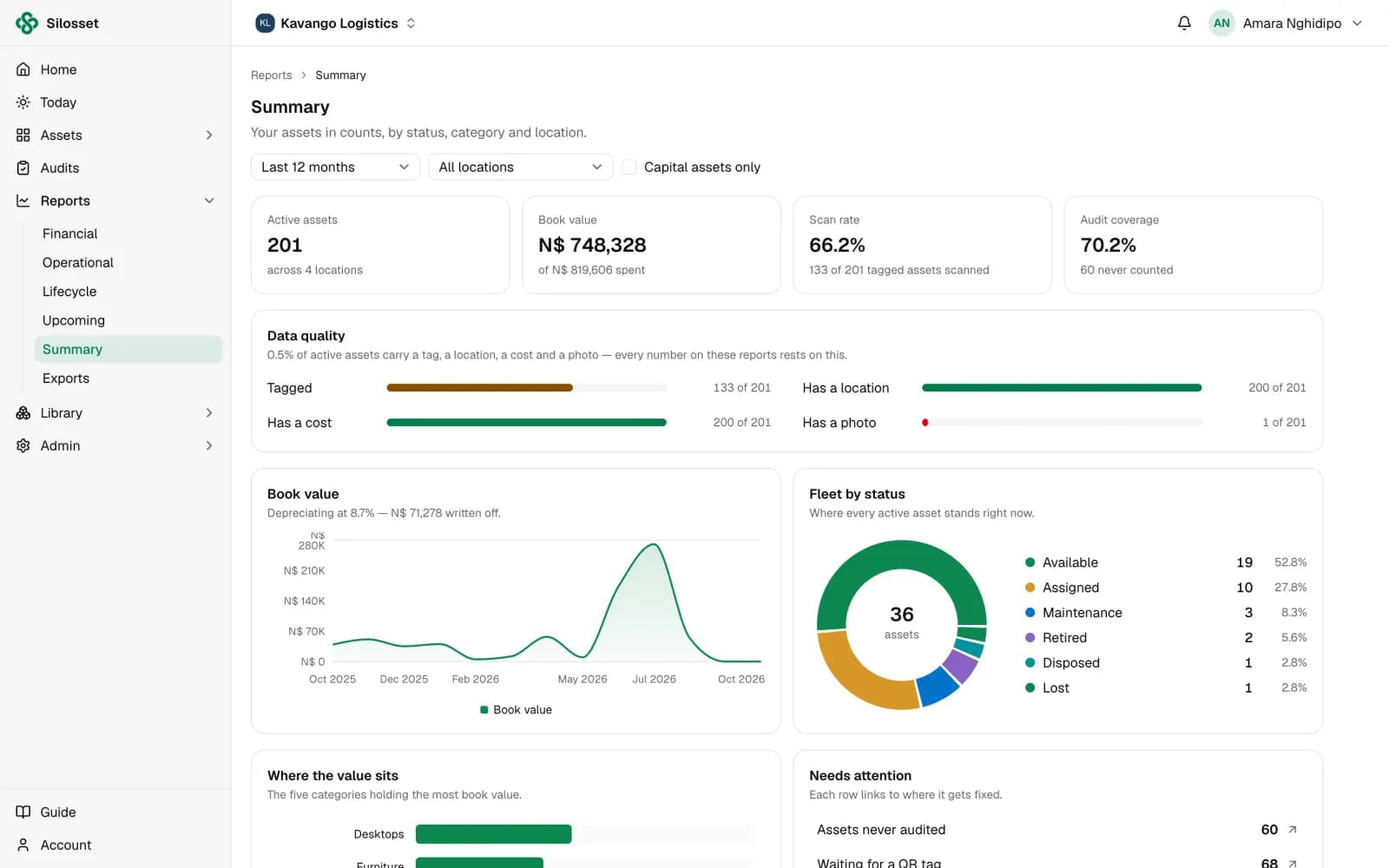
The state of the register at a glance
The summary report shows active assets, book value, scan rate, audit coverage, data quality and the fleet by status. It is a quick check before a board meeting or an audit.
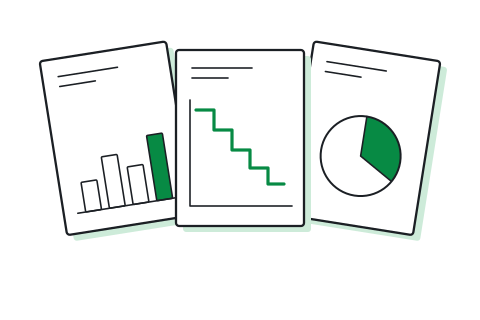
A report for each question
Financial covers book value, cost, depreciation and a 12-month forecast. Operational covers maintenance, including MTBF and MTTR. Lifecycle covers events across each asset's life, and upcoming lists returns, maintenance, warranties and end of life ahead.
- Filter by period and location
- Scoped to the locations each member can access
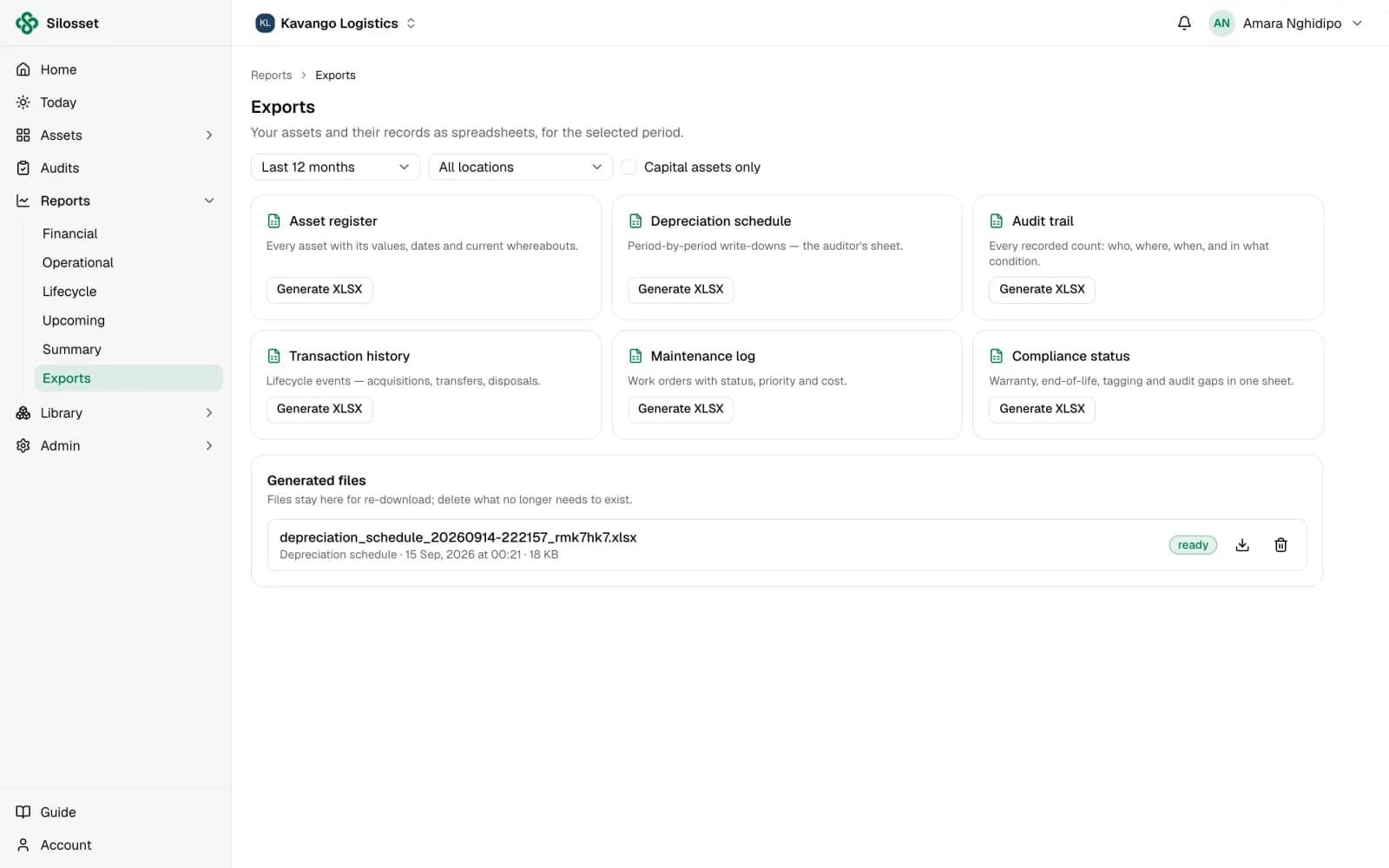
Six Excel exports that match the app
Exports are built from the same records and history you see in the app. Each one is generated in the background and kept for re-download.
- Asset register
- Depreciation schedule
- Audit trail and transaction history
- Maintenance log and compliance status
Questions
Something else? Ask us.
What format are exports in?
Excel (.xlsx). Open them in Excel or any spreadsheet program that reads .xlsx files.
Can we build our own reports?
The reports in Silosset are fixed, with period and location filters. For anything else, start from an Excel export or read the data through the REST API.
Can reports be emailed on a schedule?
No. Exports are generated when you ask for them and kept in Silosset, so anyone with access can download them again.
Related features
Or see everything Silosset does.
Financial reporting
Book value, cost and write-downs over time, in your currency and fiscal year.
Read more about financial reporting
Audits and asset verification
Verify each location on a schedule by scanning labels, and see what is still to be found.
Read more about audits and asset verification
Import, API and on-premises
Bring your existing register in from Excel, connect your own systems, or run Silosset on your own servers.
Read more about import, api and on-premises
See your own assets in Silosset
Create an organisation and register your first assets today, or talk to us and we will walk you through it with your own register.