Organisation setup
Set your organisation up once, and everyone works from it
Locations, categories, tags, kits, assignees, suppliers, asset models and custom fields live in one library shared across the organisation. Currency, timezone and fiscal year apply everywhere.
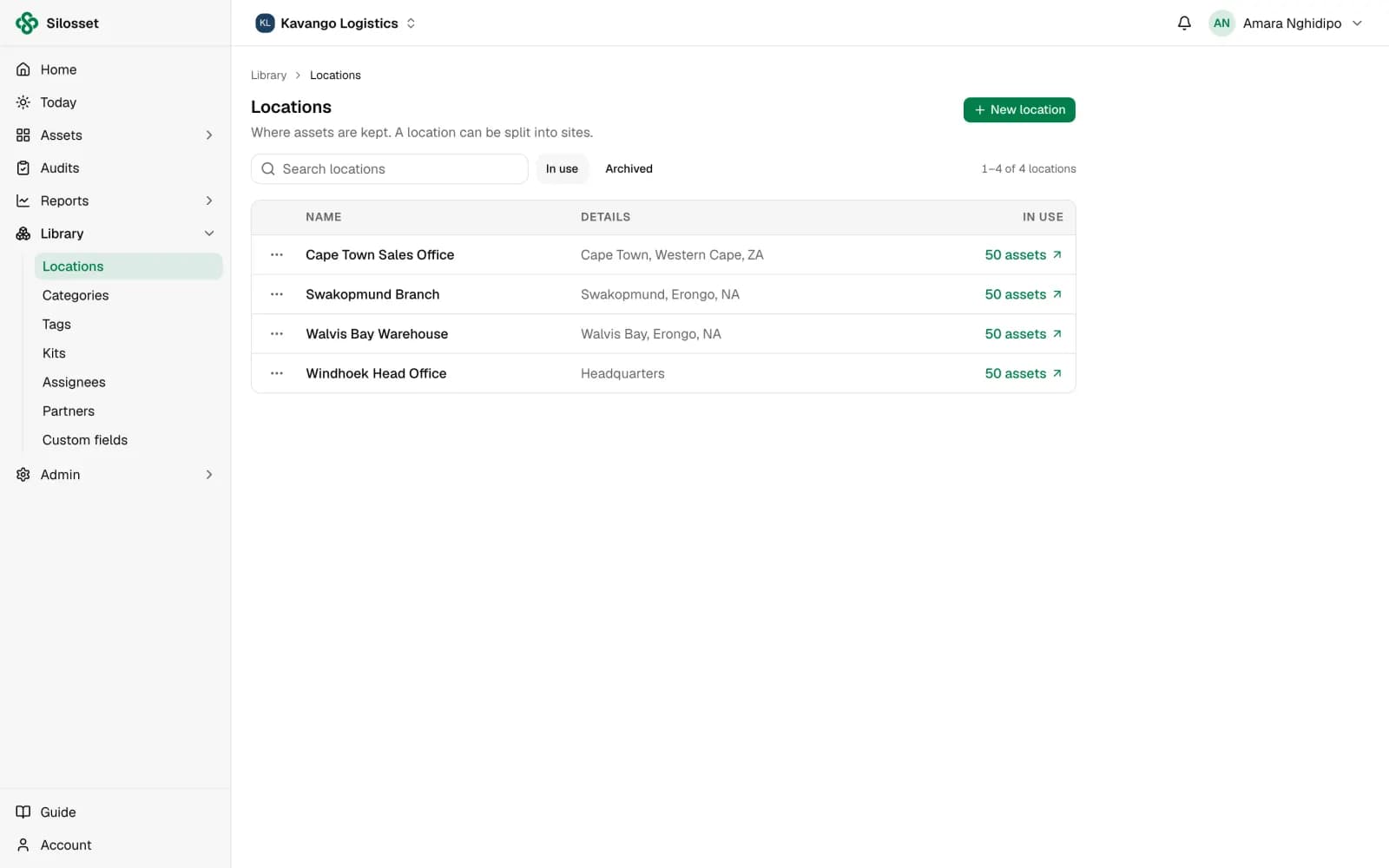
Settings that apply everywhere
Choose your currency, timezone and when the fiscal year starts. Set the time tools are due back each day, and whether assets added by others need approval.
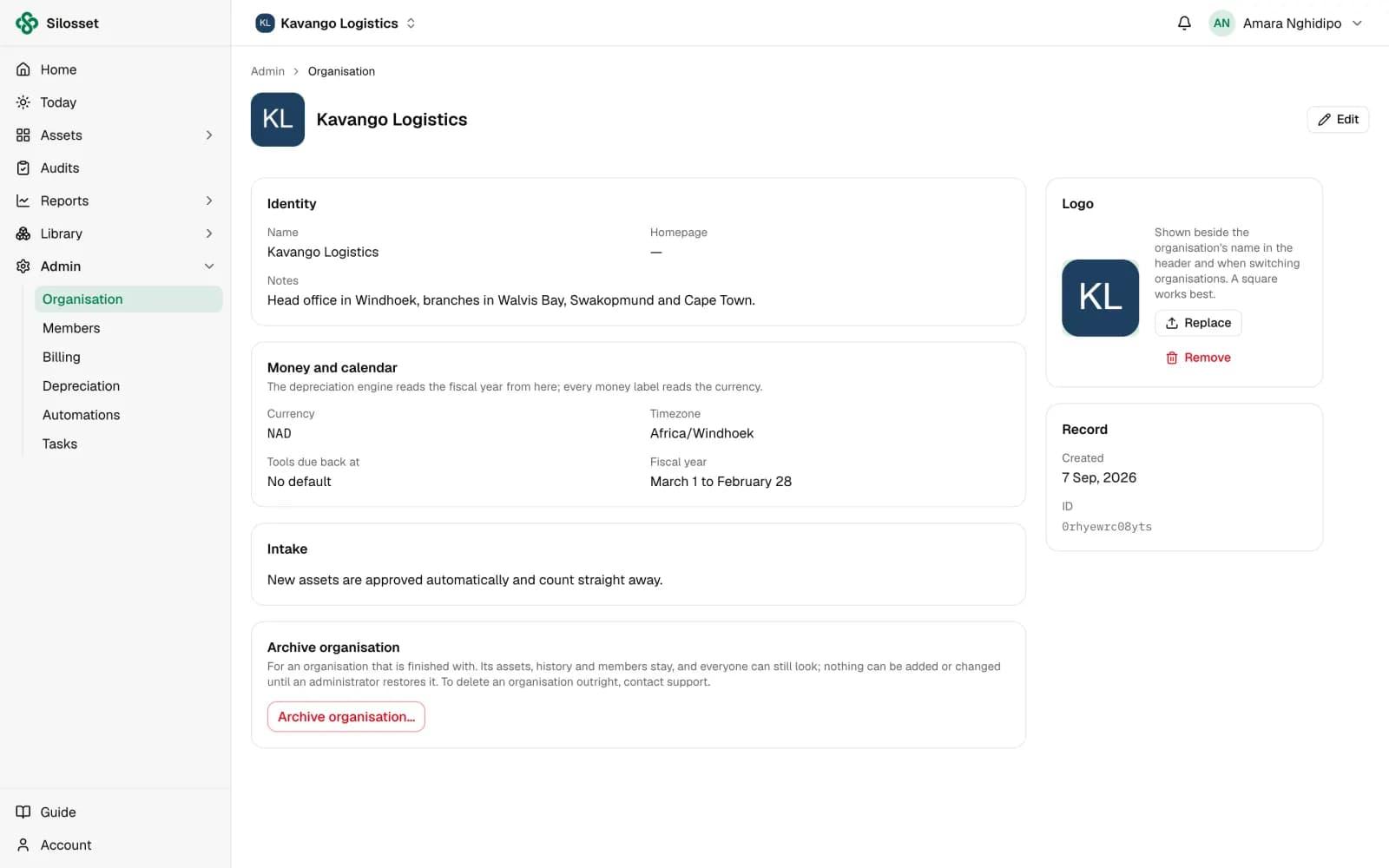
Custom fields where they belong
Add the fields your assets need, and scope each one to a category or tag so a vehicle asks for a registration number and a laptop does not.
- Scoped by category or tag
- Checklist fields for maintenance work
Depreciation schedules ready to assign
Set up schedules once with the method and useful life your policy uses, then assign them as assets are added.

Members and roles
Invite the people who work with your assets and give each one a role, from Owner to Viewer, limited to their locations where needed.
Questions
Something else? Ask us.
Can we report in our own currency?
Yes. Namibian dollars are the default, and you can set the currency your organisation reports in.
Can we manage several sites?
Yes. Add sites and the locations within them, and record transfers when assets move between sites.
Can different kinds of asset have different fields?
Yes. Scope each custom field to a category or tag, and it only appears on the assets it applies to.
Related features
Or see everything Silosset does.
Roles and permissions
Decide exactly what each member can see and do, down to single actions.
Read more about roles and permissions
Asset tracking
One register for every asset, with QR labels, locations, custom fields and a full history.
Read more about asset tracking
Import, API and on-premises
Bring your existing register in from Excel, connect your own systems, or run Silosset on your own servers.
Read more about import, api and on-premises
See your own assets in Silosset
Create an organisation and register your first assets today, or talk to us and we will walk you through it with your own register.